Medior Product Designer

Concept to MVP: 4 months
Start: September 2023

Product design · Domain research
Information Architecture · UX strategy
Web3 · DAO · AI · User Testing

Holdim: DAO Aggregator

Designed a mobile DAO aggregator bringing cross-platform governance into a single feed. With AI-generated summaries that made complex proposals readable for anyone. Built with a team of friends who won $8K at ETHAmsterdam 2022. Later open-sourced.

Context & Problem

In 2022, anyone involved in DAO governance faced the same problem: every DAO existed on its own platform.

Following multiple projects meant switching between tabs, sites and interfaces constantly.

The main problem is that each DAO has its own resource and you need to switch between them. I would like all DAOs to be collected in one place.

Cross-platform aggregation

One feed, all DAOs. Users follow the projects they care about and see only relevant proposals. No more switching between tabs and platforms.

1/2
Time is the most valuable resource. It is far from always possible to read long proposals - what exactly is being voted for and what consequences it will have.

AI-generated summaries

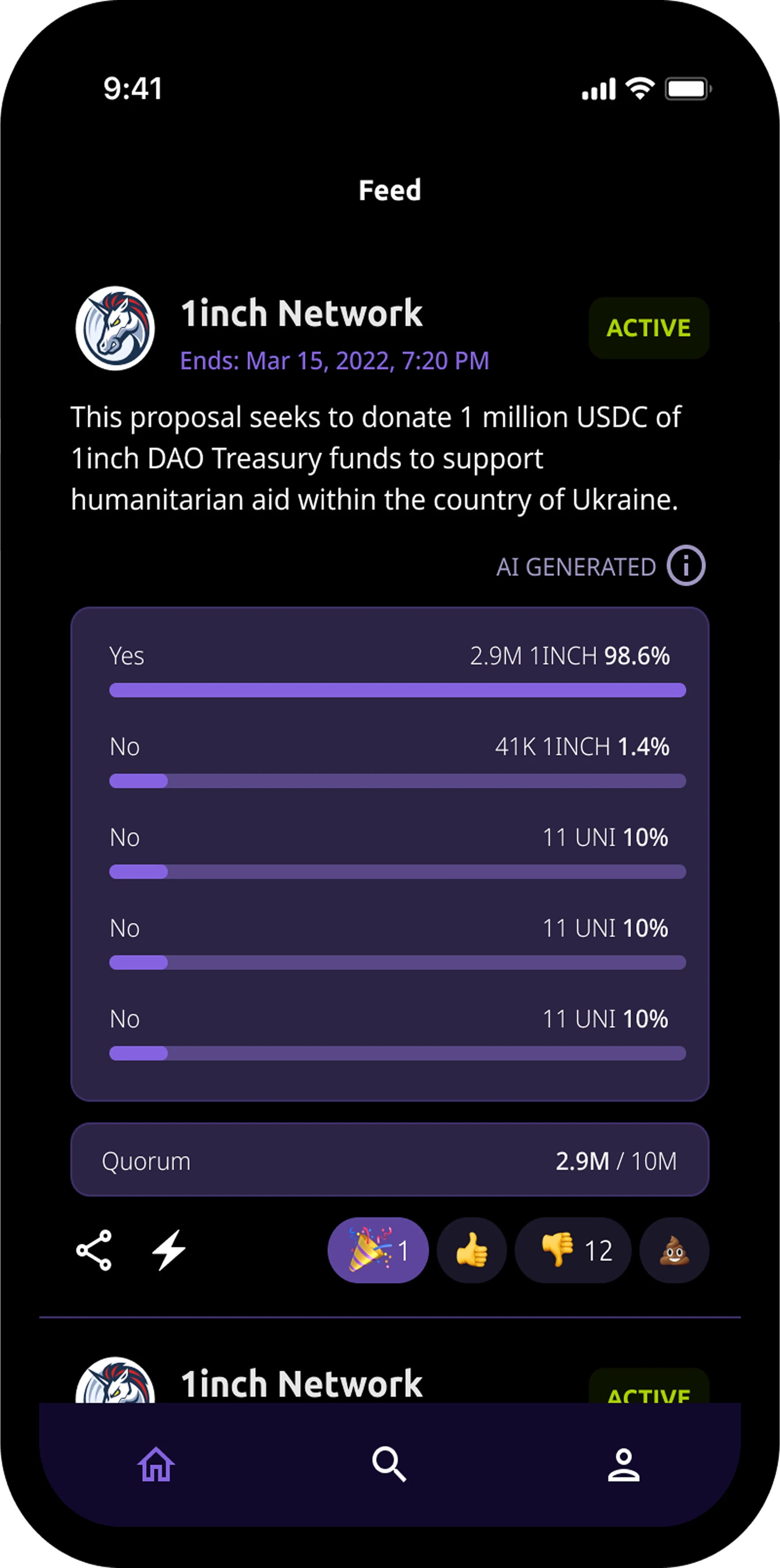
Every proposal is condensed by AI into a digestible format. Reducing reading time without losing the core information.

2/2

Product concept

Each proposal is summarised by AI (GPT-3/3.5) into a digestible format. Full proposal, voting data, token prices and DAO profile all available in one place.

At the time, no aggregator on the market combined cross-platform collection with AI-generated summaries available.

Cross-platform DAO aggregator

Need to switch between different platforms and tabs.

1/3

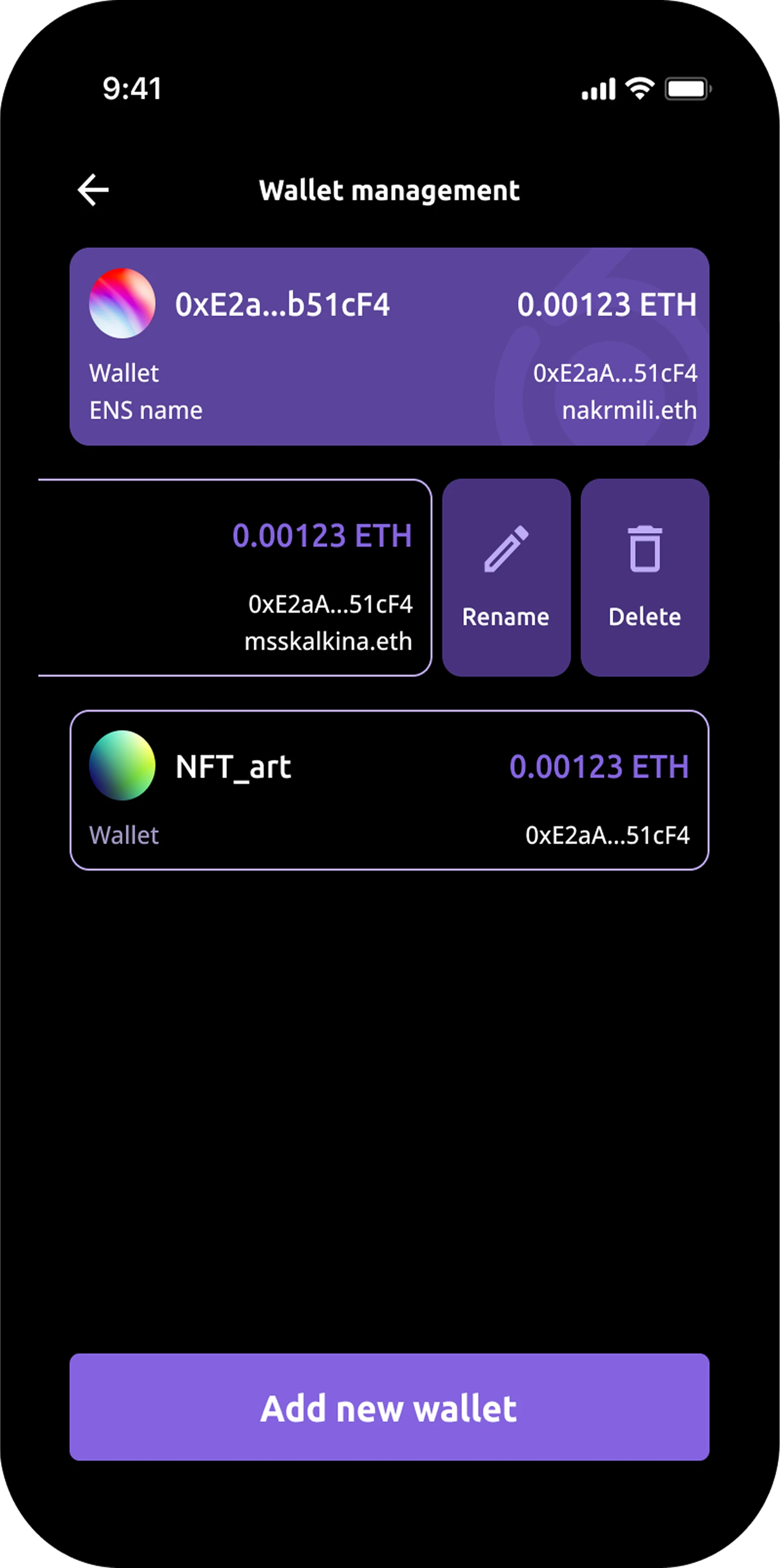
Connect via ENS wallet

Multiple wallets supported, each with its own DAO list.

2/3

Only relevant proposals

Feed shows only what matters to customer.

3/3
Feed with an AI-summarised proposal

Feed

Wallet management screen

Wallet managment

My role & process

I joined after the core idea and tech stack were already defined. My task was to take a complex, unfamiliar domain and make it feel native and intuitive.

I started working closely with the Product Owner to understand the product structure.
I spent time learning how DAOs work, so I could apply UX logic to something I hadn't designed for before.

I didn't have to invent new patterns: feed, follow, profile - all already existed. The work was making DAO governance feel natural, in a space where most products still looked like a spreadsheet with a number of extra steps.

Key UX decision

User-friendly

To make a complex topic feel simple through user-friendly structure. When the structure is familiar, like feed, follow, or profile, the unfamiliar content becomes approachable. Anyone can understand the basics even without prior DAO knowledge.

1/1
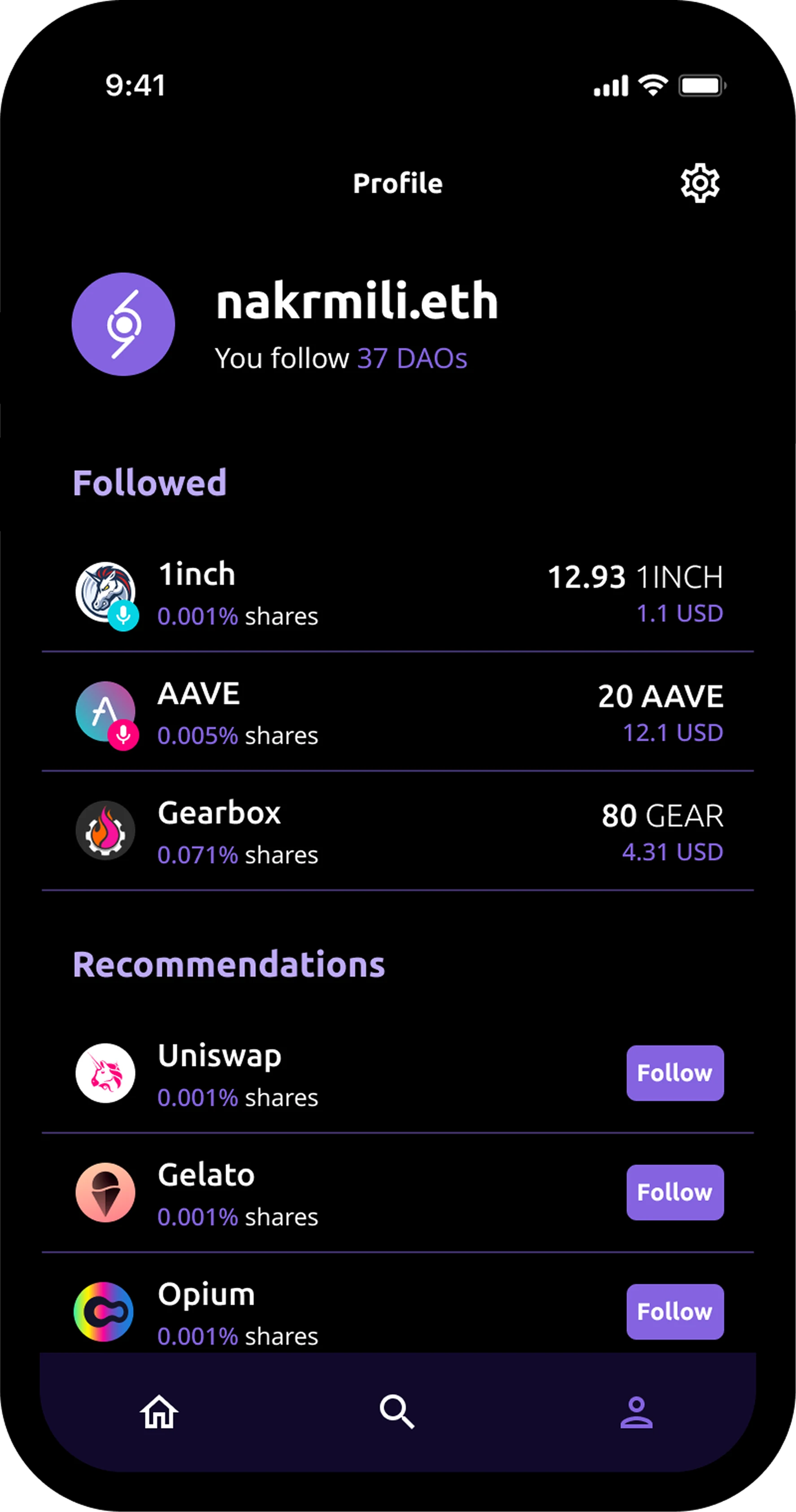
Profile with followed DAOs and recommendations

Profile detail

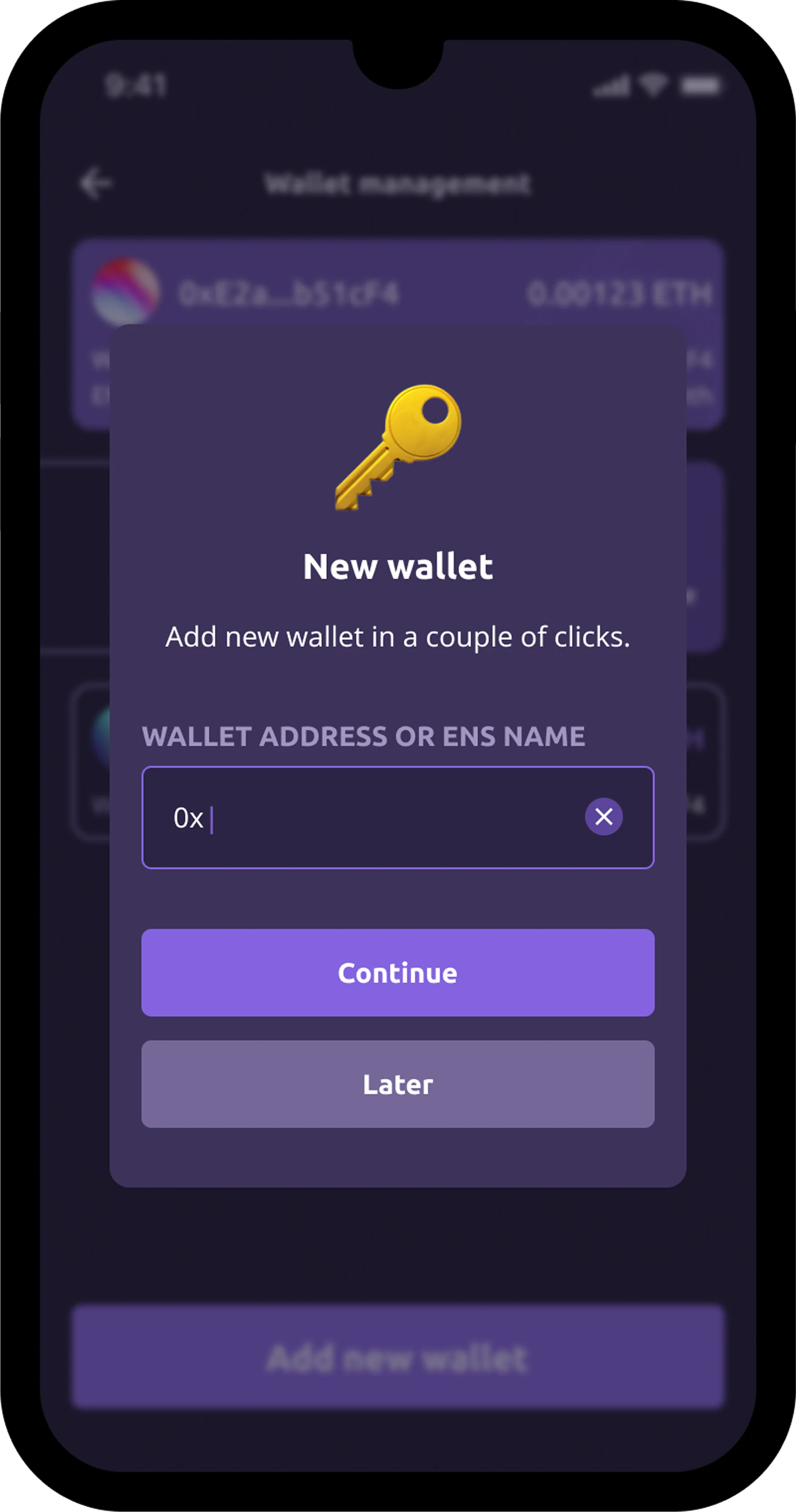
Add new wallet dialog

Add wallet

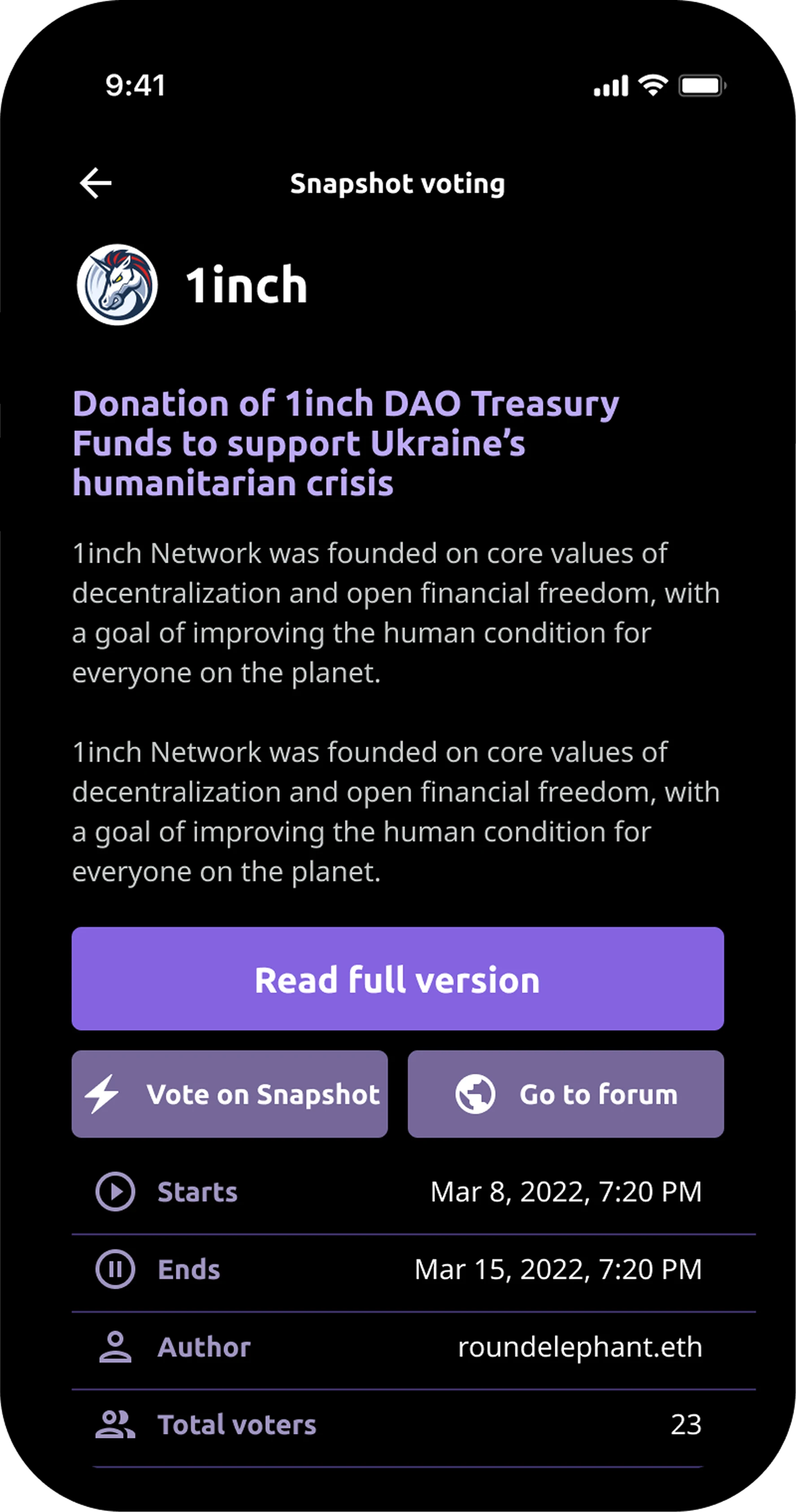
Snapshot voting detail

Voting detail

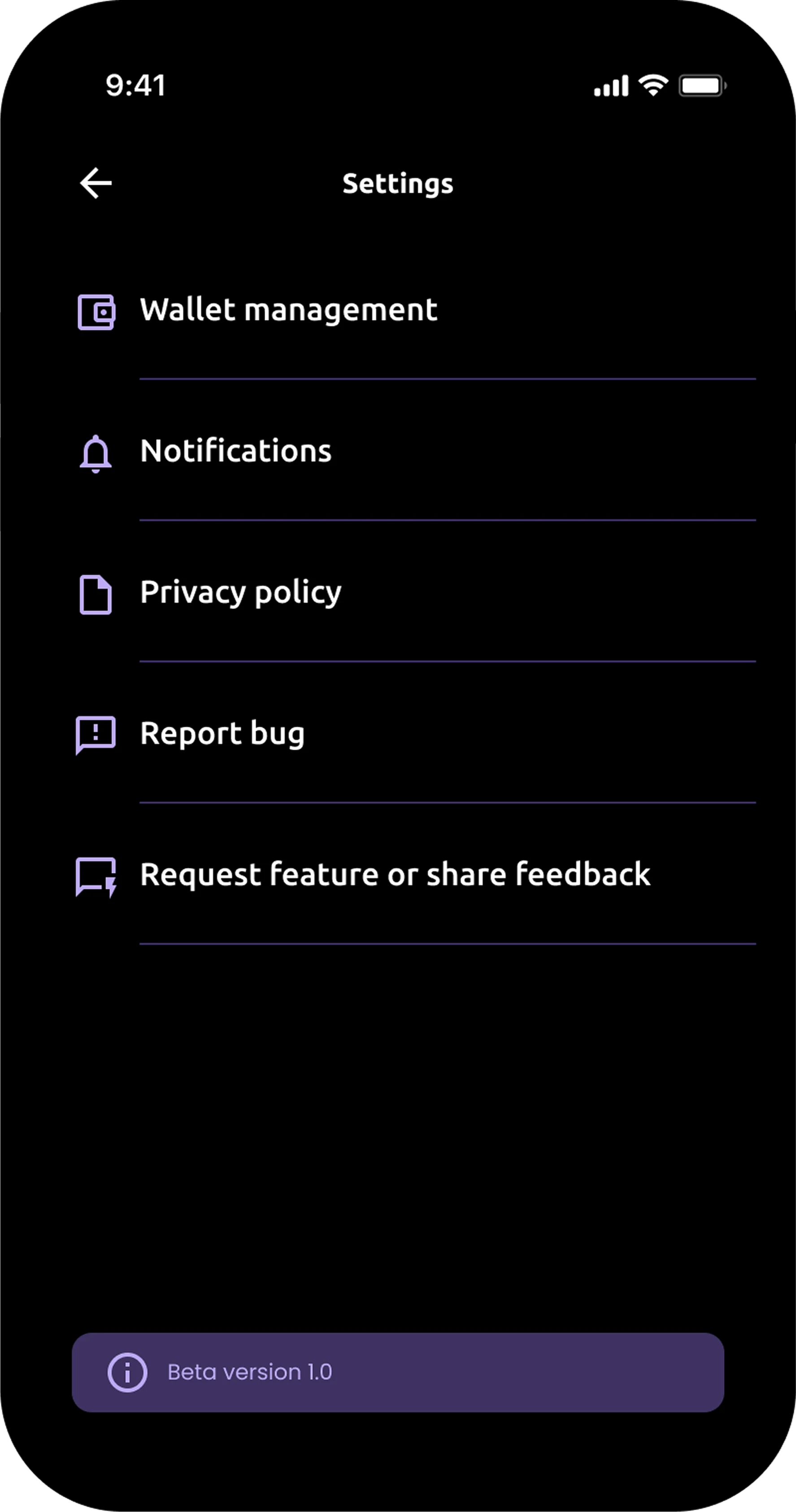
Settings screen

Settings

Results & why it didn't launch

By the time the product was partially ready, the landscape had shifted. Potential partners showed less interest. AI models had advanced significantly, partly reducing the novelty of the core feature. The team decided to open-source the project rather than continue development.

Reflection

Domain immersion as a design tool

To be able to design for an unfamiliar space I had to become a user first. Understanding how DAOs actually work, not just how they look, shaped every information architecture decision.

1/2

Familiar patterns in unfamiliar territory

None of the UX decisions here were novel. A feed is a feed, a profile is a profile. What needed to be work on was the content itself: proposals, votes, token prices, all things I had to actually understand before I could decide how to show them.

2/2

Selected work